Photorealistic
device Mockups.FREE, FAST & 3D RENDERS.
Drop your design, pick a device, export a studio-quality mockup. Thirty seconds. No Photoshop.

Free plan · No credit card · 2K exports included

Everything in Pro — full catalog, 4K exports, no watermark, Figma plugin — for the lifetime of MochiMockup. One payment, no renewal, ever.
One-time payment · Gone when it's gone
Test it now. No account, no email.
Pick a device, drop your design, download the mockup in 2K — no watermark, cleared for commercial use. Nothing to sign up for. Pro unlocks 4K and the other 540+ scenes.

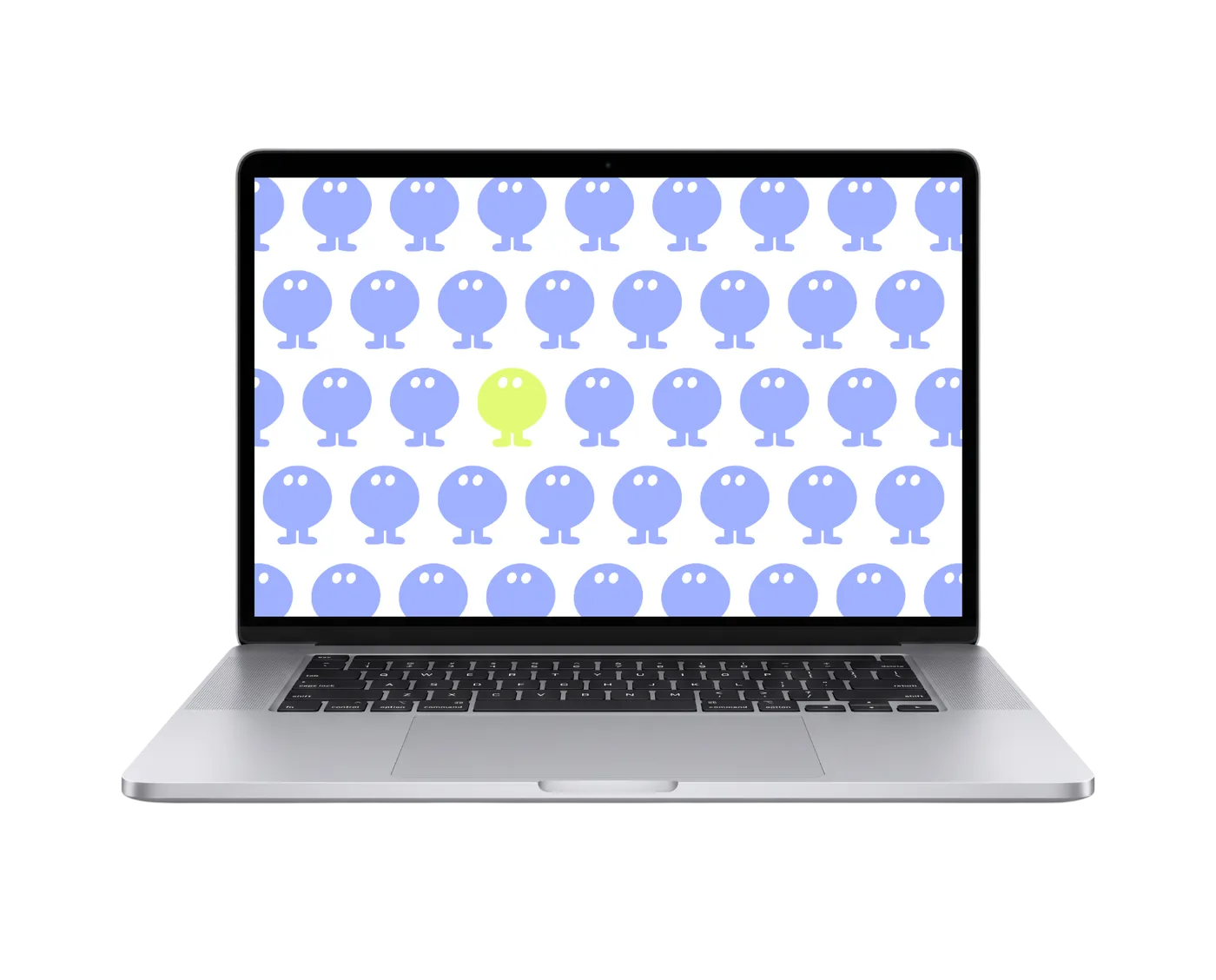
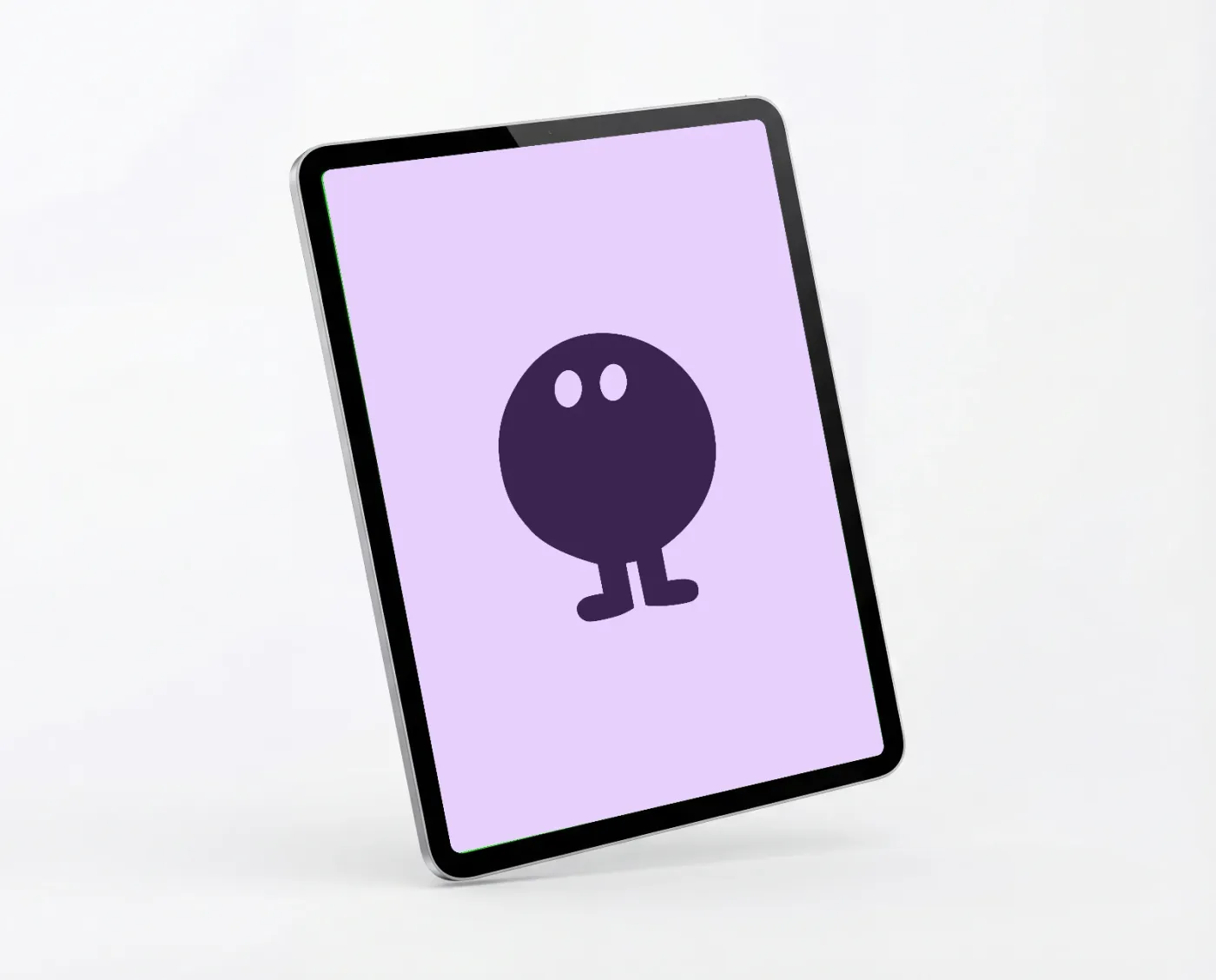
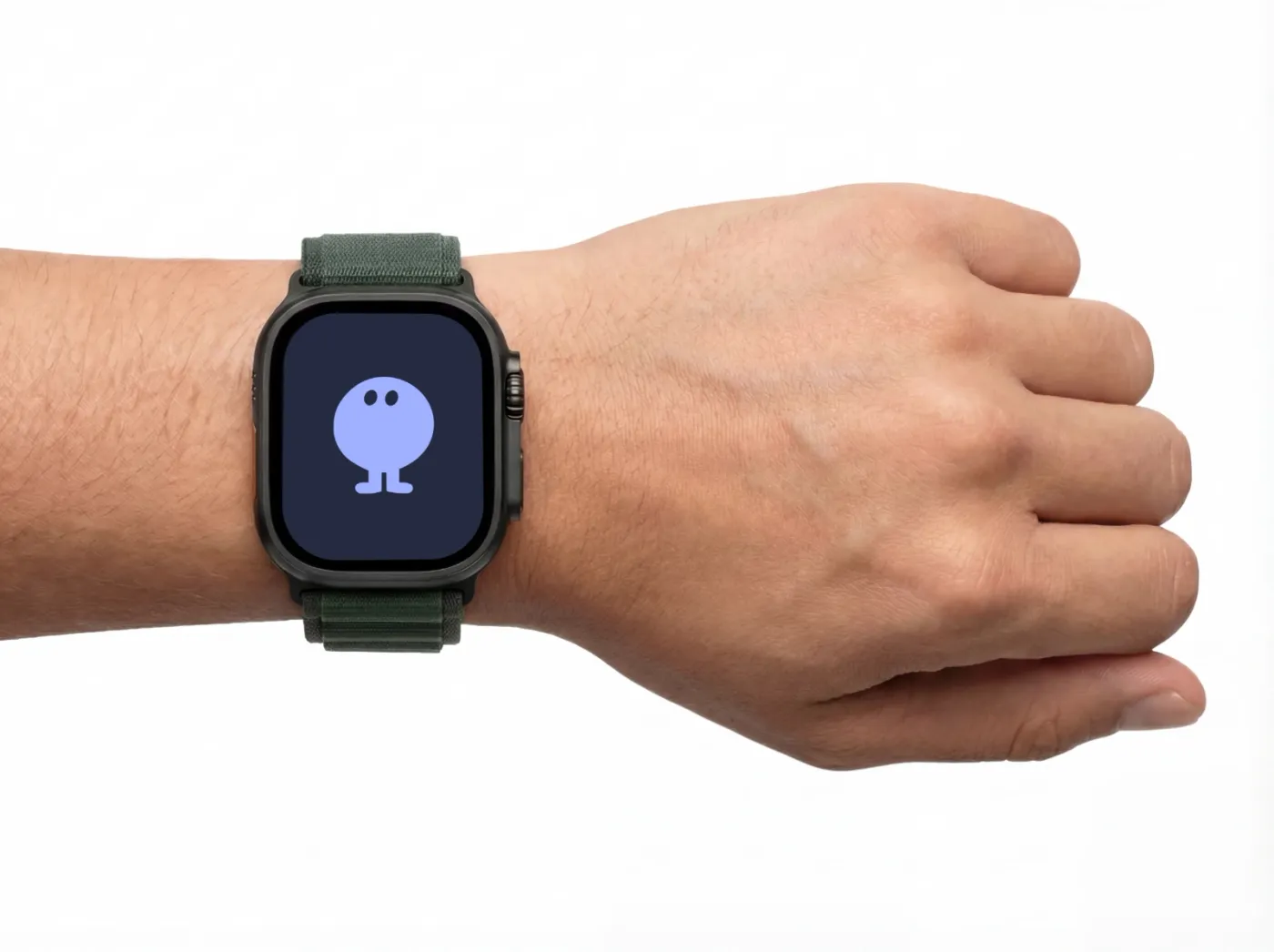
Three steps. Thirty seconds.
No account needed, no tutorials. If you can drag a file, you can make a mockup.
Upload your design
Drag and drop any app design or UI screen. PNG, JPG, WebP — whatever you have.

Preview in real-time
Your design maps onto the device instantly. Perspective, lighting, reflections — all handled.

Export up to 4K
Download in PNG or JPEG. Free users get 2K, Pro unlocks full 4K resolution.

Design in Figma? Stay in Figma.
Generate photorealistic mockups without leaving your canvas. Our plugin lives right where your design does.
- Pick from the full template catalog
- Rotate, crop & fine-tune brightness, contrast, saturation
- Generate right inside Figma — export in 4K, no watermark
Included with Pro · $9.99/mo · See plans

Everything you need,
nothing you don't.
We focused on making mockups fast, beautiful, and painless.

Photorealistic renders
Metallic textures, realistic shadows, and physically accurate lighting. 3D renders, not flat mockups.

30-second workflow
Upload, preview, export. No layers, no Smart Objects. Your mockup is ready before your coffee.

Up to 4K resolution
Export at 3840px wide. Sharp enough for print, crisp enough for retina presentations.
Every device covered
iPhones, MacBooks, iPads, Apple Watch — all modeled in studio conditions.

Figma plugin
Select a frame, pick a device, export. Your mockup workflow lives where your design does.

New mockups every week
Fresh devices, angles, and scenes added regularly. Pro users get priority access.
+500 mockups for all industries
New mockups every week
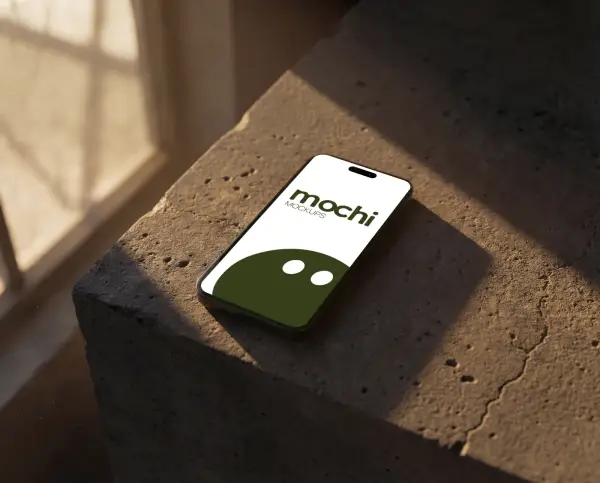

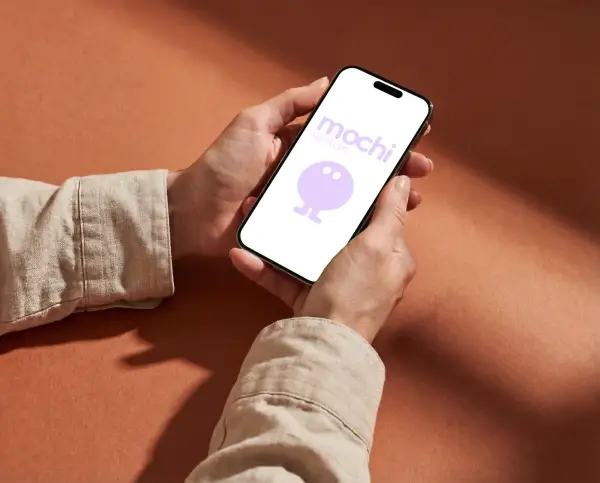
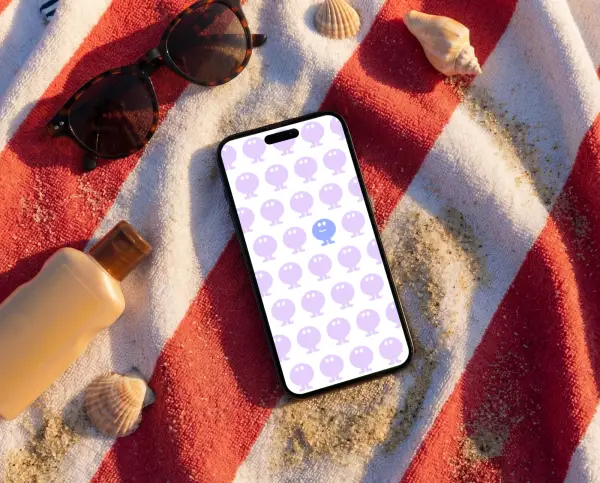
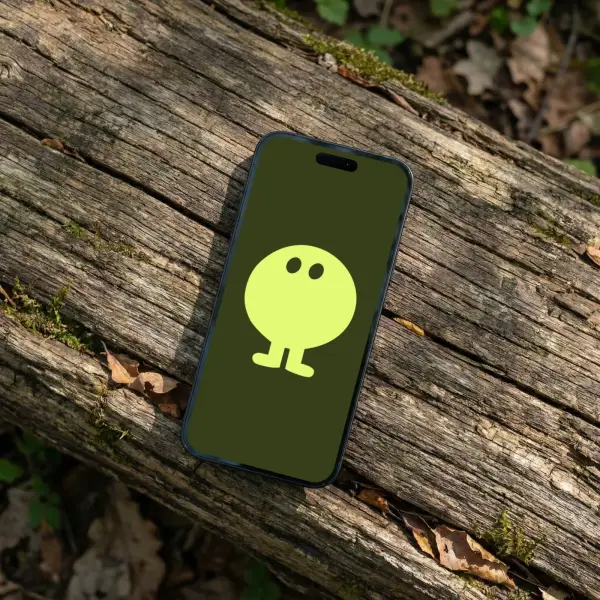
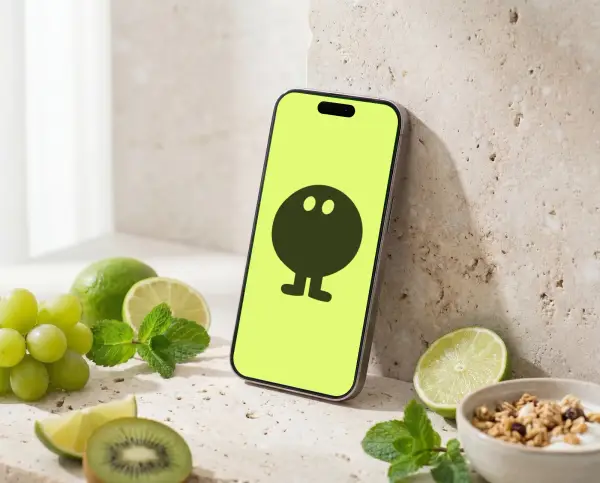
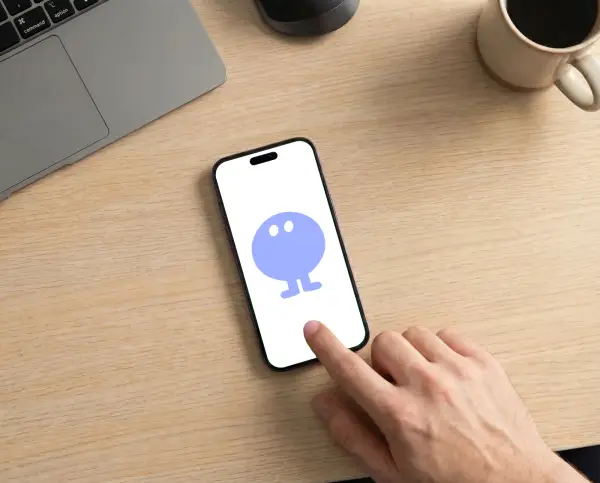
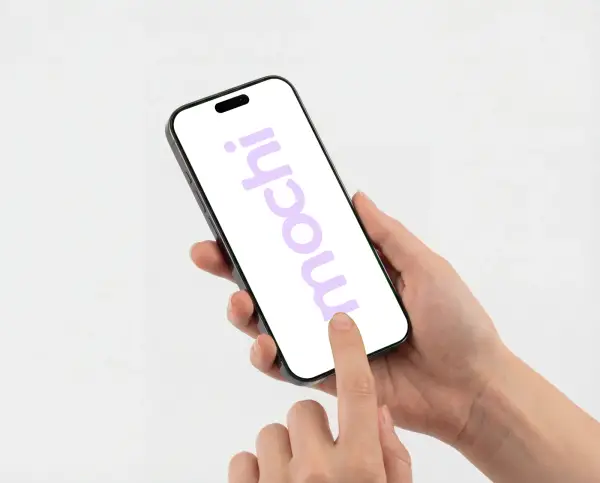
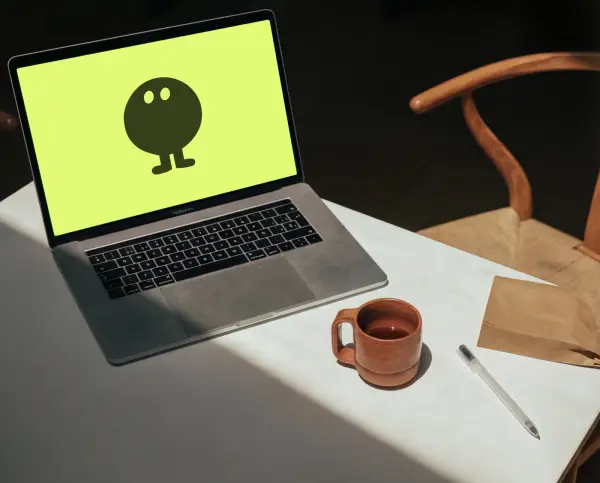
From flat design to portfolio ready.
No account needed, no tutorials. If you can drag a file, you can make a mockup.
Browse Catalog

What users say
“I used to spend 20 minutes per mockup in Photoshop. Now I do it in 30 seconds. MochiMockup literally changed my workflow.”
Sarah M.
Startup Founder
“The quality is insane — my App Store visuals look like they were made by a design agency. And I'm a developer, not a designer.”
Thomas R.
Indie Developer
“We switched from Smartmockups and the difference in quality is night and day. The 3D renders look real, not like cheap templates.”
Julie L.
Marketing Lead
“I use MochiMockup for every client pitch now. Drag, drop, done. My clients think I hired a photographer.”
Alex K.
Freelance Creator
“I used to spend 20 minutes per mockup in Photoshop. Now I do it in 30 seconds. MochiMockup literally changed my workflow.”
Sarah M.
Startup Founder
“The quality is insane — my App Store visuals look like they were made by a design agency. And I'm a developer, not a designer.”
Thomas R.
Indie Developer
“We switched from Smartmockups and the difference in quality is night and day. The 3D renders look real, not like cheap templates.”
Julie L.
Marketing Lead
“I use MochiMockup for every client pitch now. Drag, drop, done. My clients think I hired a photographer.”
Alex K.
Freelance Creator
“Our product pages look 10x more professional since we started using MochiMockup. Conversion went up and we didn't change anything else.”
Maria P.
E-commerce Manager
“I needed mockups for my YouTube thumbnails. MochiMockup is the only tool that gives me studio quality without the studio.”
David W.
Content Creator
“I'm not a designer at all, but MochiMockup makes my research presentations look polished. My team thought I outsourced the visuals.”
Emma C.
UX Researcher
“We used to spend hours on mockups for client deliverables. Now our whole team uses MochiMockup and we save days every month.”
Lucas B.
Agency Owner
“Our product pages look 10x more professional since we started using MochiMockup. Conversion went up and we didn't change anything else.”
Maria P.
E-commerce Manager
“I needed mockups for my YouTube thumbnails. MochiMockup is the only tool that gives me studio quality without the studio.”
David W.
Content Creator
“I'm not a designer at all, but MochiMockup makes my research presentations look polished. My team thought I outsourced the visuals.”
Emma C.
UX Researcher
“We used to spend hours on mockups for client deliverables. Now our whole team uses MochiMockup and we save days every month.”
Lucas B.
Agency Owner
Don't know where to start? Steal a mood.
Sets we picked by hand — a cocktail table, a pilates mat, a screen that fills the frame. Open one and every shot already goes together.

Cocktail
Spritz glasses, sliced citrus and sun-warmed terrace tables, with the screen in frame
Browse this collection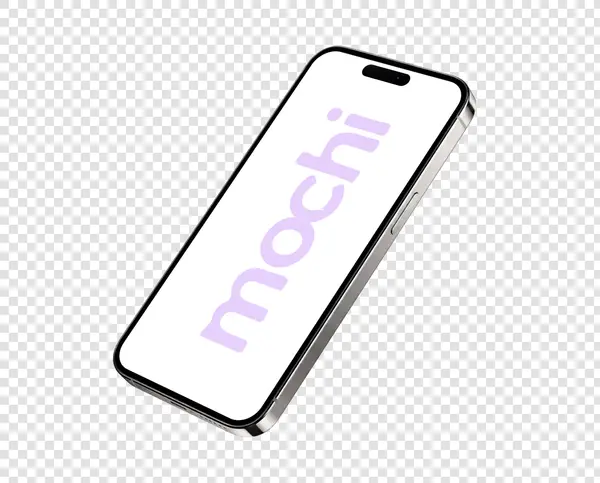
No Backgroud
Devices cut out on a clean studio field, ready to drop onto any layout
Browse this collection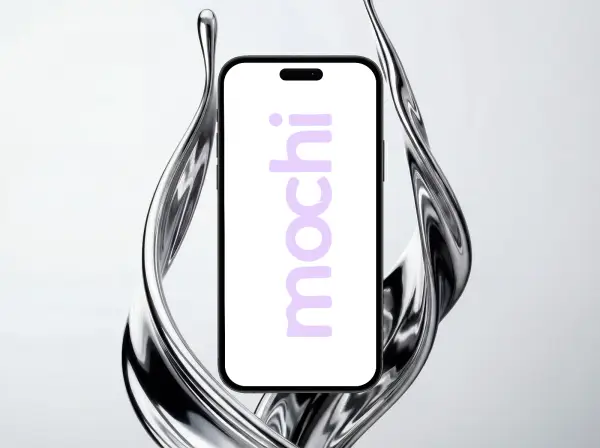
Liquid Chrome
Molten chrome ribbons and mirrored swirls wrapping the device in bold studio light
Browse this collection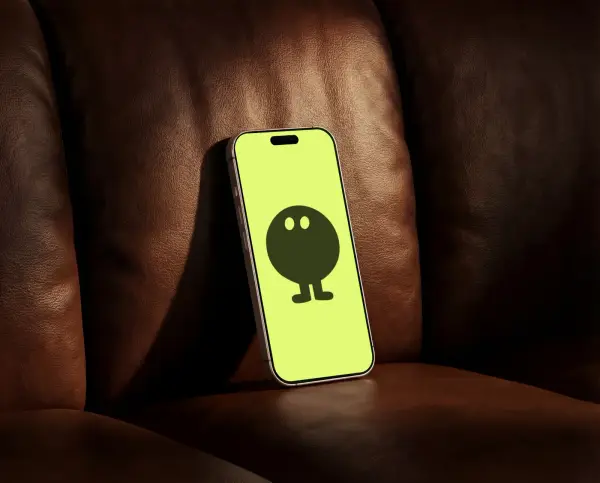
Soft Seating
Devices propped on sofas, ottomans and lounge chairs, in leather, velvet and tan boucle
Browse this collection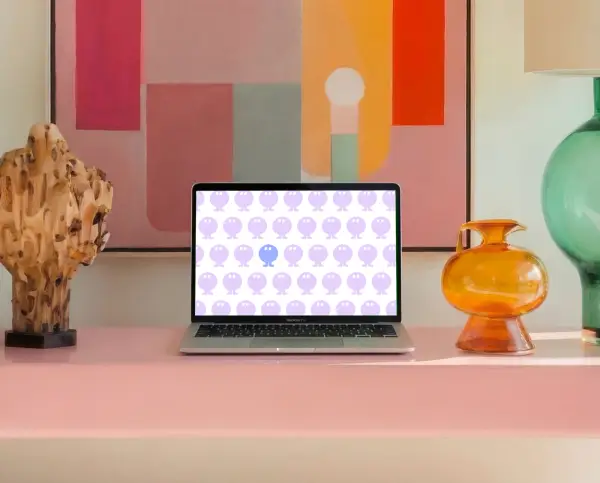
Tabletops
Kitchen islands, café marble and studio desks, shot from above and across the table
Browse this collection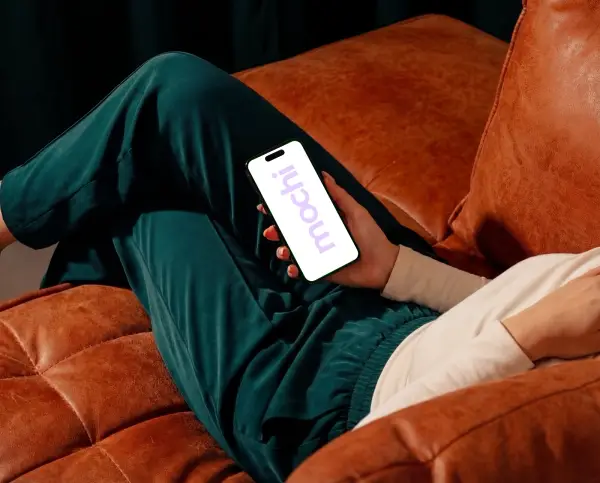
Over the Shoulder
Screens caught from behind the user, close enough to read, hands and outfit in frame
Browse this collectionStart free. Upgrade anytime.
No trials, no limits. More power when you need it.
Free
- 5–10 basic templates
- 10 exports/month
- 2K resolution
- PNG export
- Watermark on exports
Pro
- All templates (500+)
- Unlimited exports
- 4K resolution
- No watermark
- Figma plugin
- Priority new releases
Not ready to subscribe? Pay $2.50 per export on any Pro template — no subscription needed.
Device mockup questions, answered
What is a device mockup?
A device mockup is a photorealistic image of a phone, laptop, tablet, or watch with your design placed on the screen. Designers use mockups to showcase apps and websites in a polished, real-world context — perfect for App Store screenshots, landing pages, and client presentations.
Are MochiMockup templates free?
Yes. Every device category has free templates that export in 2K without signup. Pro users unlock the full catalog, 4K exports, and the Figma plugin for $9.99/mo. You can also pay $2.50 per export on any Pro template — no subscription required.
Can I use these mockups for the App Store or commercial projects?
Absolutely. All MochiMockup renders are cleared for editorial and commercial use, including App Store screenshots, marketing sites, client deliverables, and social media.
How is this different from Photoshop mockups?
MochiMockup is a browser-based tool — no Photoshop, no Smart Objects, no layer juggling. Every template is a real 3D render with accurate lighting and reflections. Upload your design, preview instantly, and export in seconds.
Do you support iPhone, MacBook, iPad, and Apple Watch?
Yes. Our catalog covers the latest iPhone, MacBook, iPad Pro, and Apple Watch models, plus many others. New devices and scenes are added every week.
What resolution do mockups export at?
Free users export up to 2K. Pro users export up to 4K (3840 px wide) — sharp enough for print, retina displays, and large presentations.
Ready to make your app look incredible?
Join hundreds of creators who stopped wrestling with Photoshop and started shipping.
