Mockups, inside Figma.
Pick a template, drop your frame, fine-tune, and export a studio-quality mockup — without ever leaving your canvas.
Included with Pro · $9.99/mo · See plans

From frame to mockup, without leaving Figma.
Install from Figma
Add MochiMockup to Figma from the Community — one click, no download.
Link your Pro account
Sign in and paste the 6-digit code to connect your MochiMockup Pro account.
Pick a template
Browse the full device catalog and drop your frame onto the one you want.
Adjust & generate
Rotate, crop, tune brightness and contrast, then generate and export in 4K.
Everything you need, right in the panel.
Full template catalog
Every device MochiMockup offers — phones, laptops, tablets, watches — available inside Figma.
Fine-tune every render
Rotate 90°, switch portrait and landscape, and dial in brightness, contrast, and saturation.
4K, no watermark
Generate straight to your canvas and export at full 4K resolution, clean and commercial-ready.
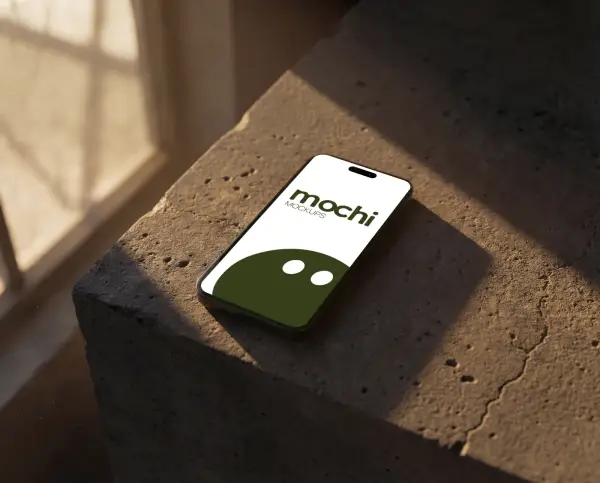
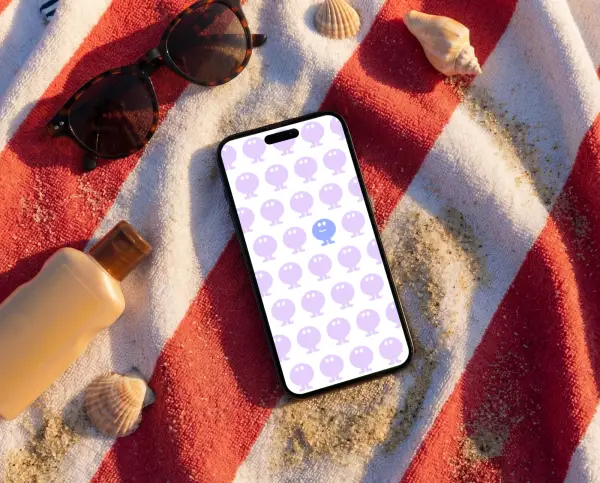
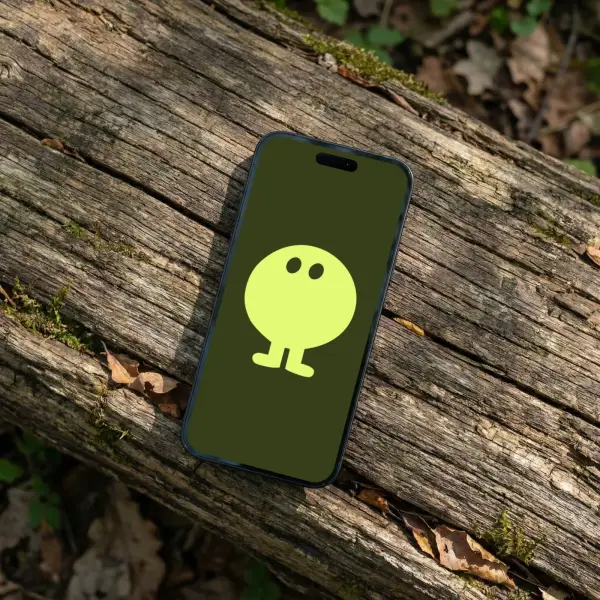
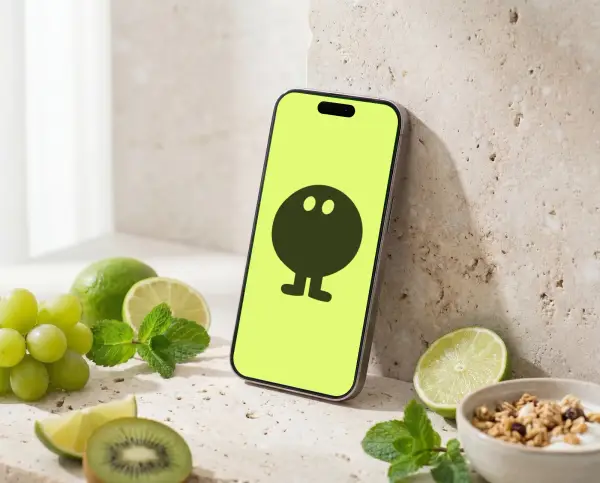
+500 mockups at your fingertips
Every one of them available inside the plugin — new mockups every week



Bring MochiMockup into Figma.
Install the plugin, link your Pro account, and generate your first mockup in seconds.