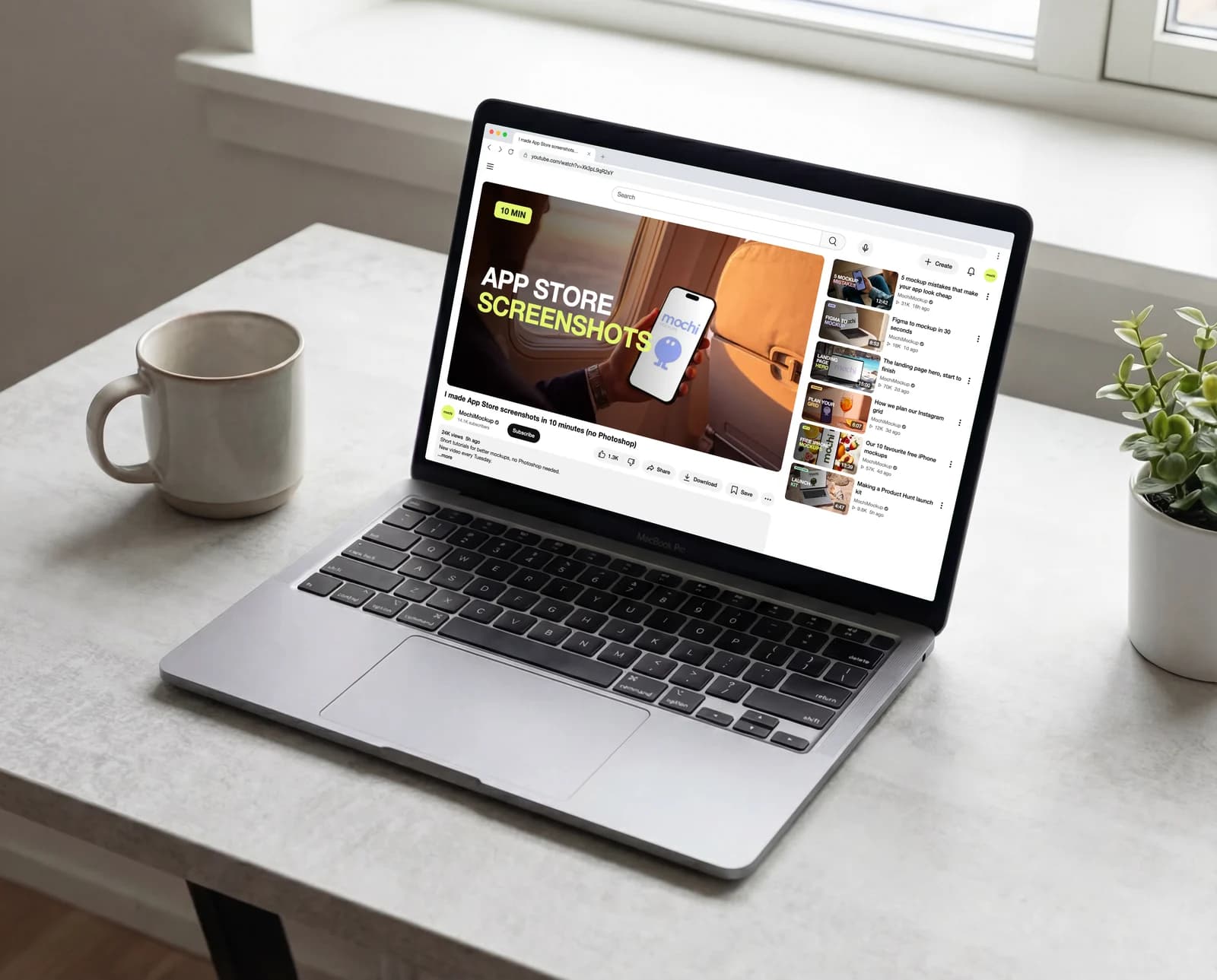
A thumbnail is never seen alone and full size: it is seen small, between other thumbnails, often on a phone. Testing it means putting it in that context before you publish. The YouTube layouts do that with your own thumbnail, title and channel, on the desktop watch page and in the phone app.
Why judge a thumbnail in context
A design that works at 1280 × 720 on your screen can disappear at the size of a suggested video. Text gets unreadable, a face gets lost, colours blend with the thumbnails around it. Only the real layout tells you whether it still stands out.
Step 1: open the YouTube video page layout
Open the YouTube mockup page (mochimockup.com/layouts/youtube-mockup) and choose the desktop “Video page”. The phone version works the same way.
Step 2: add your thumbnail, title and channel
Add the thumbnail as the main video, type the real title (it wraps over two lines like on YouTube), the channel name, its avatar and the view count. The description box under the video takes your channel text.
Step 3: fill the videos on the side
The suggested videos are where a thumbnail competes. Give them real thumbnails and titles: your own other videos, or the kind of videos your audience watches. Each one has a thumbnail, a title, a length and a view count, and you can reorder or hide them for theater mode.
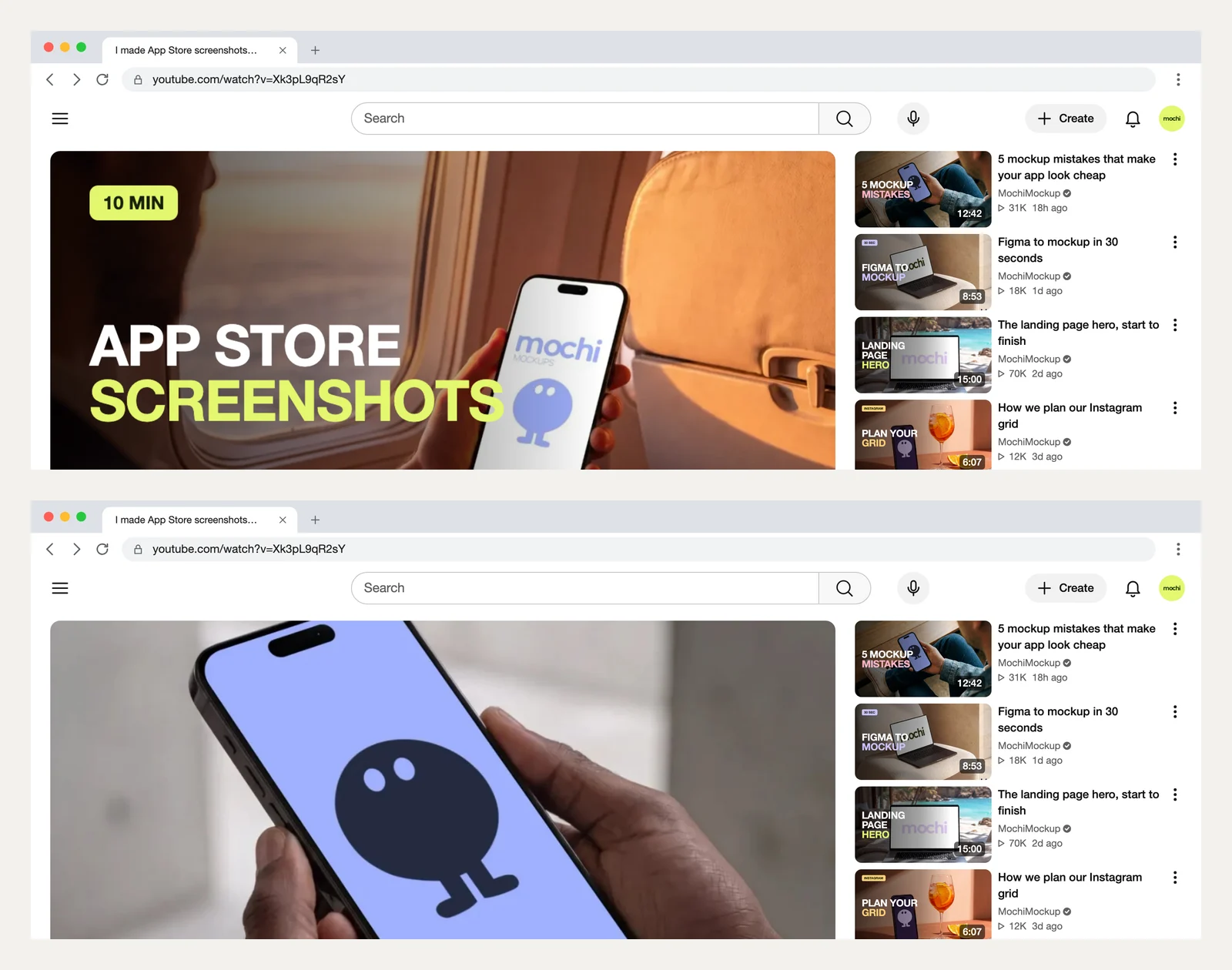
Step 4: compare two versions
Make the same page twice with two thumbnails and put them next to each other. In the example below, the first version says what the video is about in two words; the second shows a big close-up with a short promise. Ask which one you would click, from a distance, in two seconds.
Step 5: check it on a phone
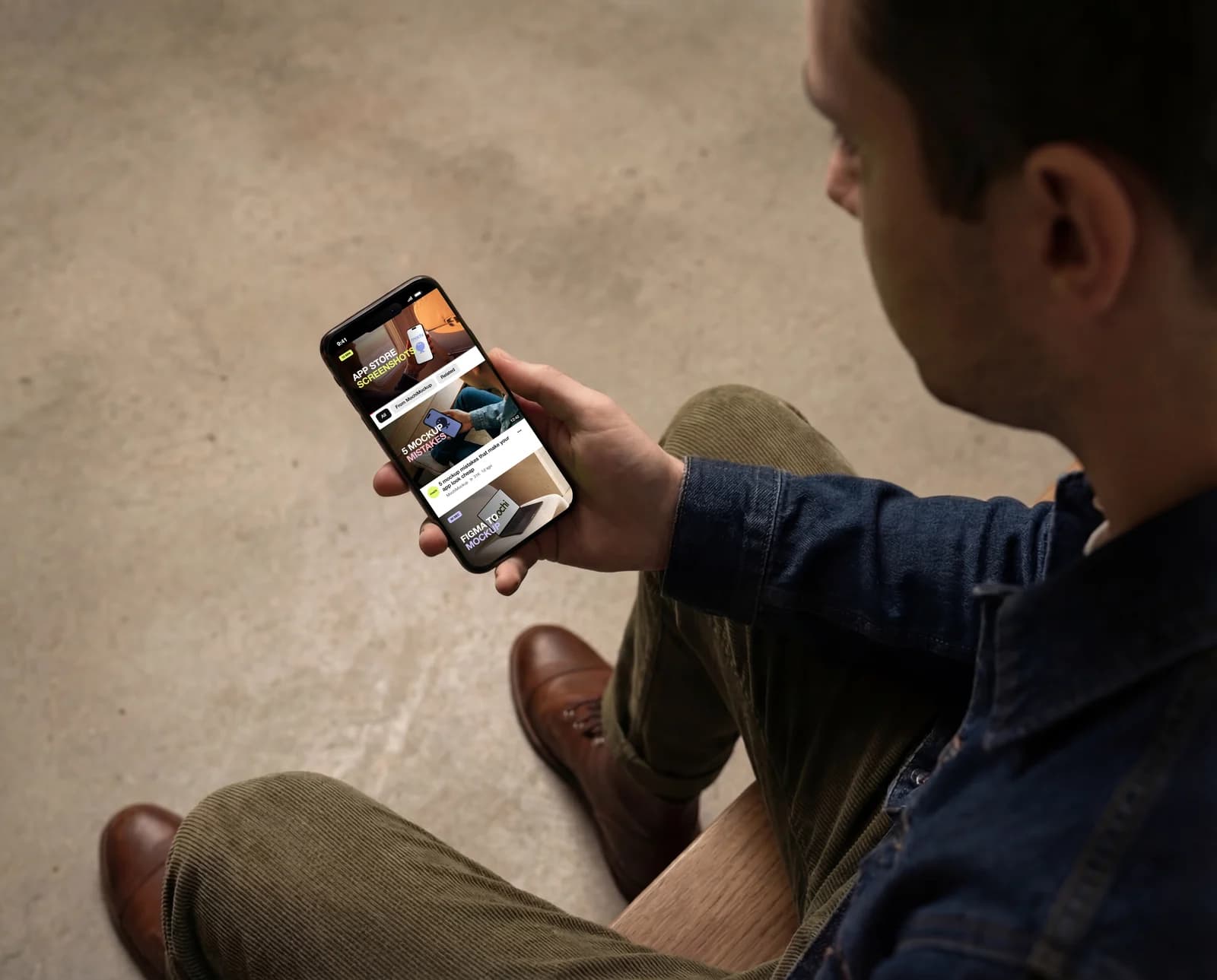
Most views come from phones, where the thumbnail is even smaller. The phone layout shows the video with the chips and the next videos under it; place it in an iPhone mockup to see it at real size.
What to look for
- Three words or fewer on the thumbnail, readable at the size of a suggested video.
- One subject, big, with contrast against the background.
- Colours that stand out from the thumbnails around it, not the same palette.
- A title that adds to the thumbnail instead of repeating it.